

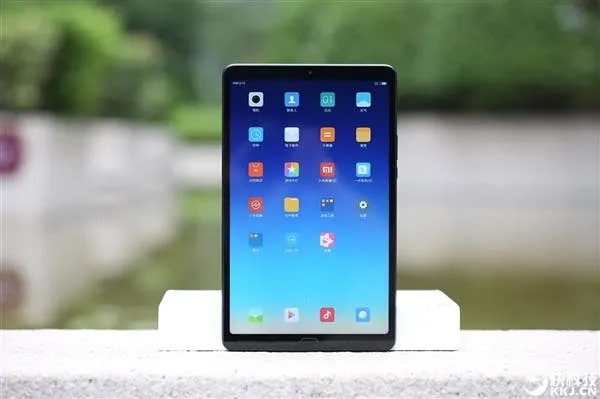

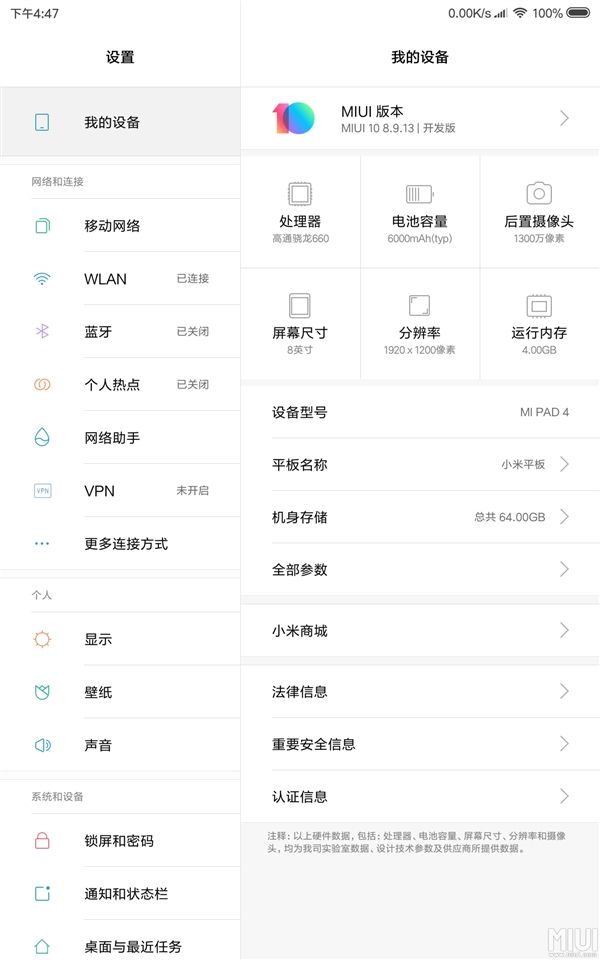
MIUI 10 Beta version has been launched for Xiaomi Mi Pad 4 and Mi Pad 4 Plus, the version number is 8.9.13, and the OTA upgrade package volume is about 329MB.
The update log is almost identical to the Xiaomi mobile version, and some adjustments has been made to the tablet characteristics. In particular, the split screen mode ratio is increased by 1:2 on the basis of the original 1:1 and 1:3, So the tablet has a PC-like experience.
In addition, the drop-down menu is changed to the center and it becomes relatively large and the volume adjustment is placed on the right side.

It is worth to mention that Xiaomi has launched the Mi Pad 4 and 4 Plus in the previous month with 8.0/10.1 inch screen, resolution at 1920×1200 (16:10), Snapdragon 660 processor, 3/4GB LPDDR4X memory, 32/64/128GB eMMC 5.1 storage, 13MP Rear camera (F2.0), 5MP front camera (F2.0), 6000/8620mAh battery (5V/2A charging), USB Type-C interface.
In terms of price, the 8 inch 32GB/Wi-Fi model cost 1099 yuan ($160), 64GB/Wi-Fi 1399 yuan ($200), 64GB/4G ($220), 10.1 inch 64GB/4G ($275), 128GB/4G ($305).
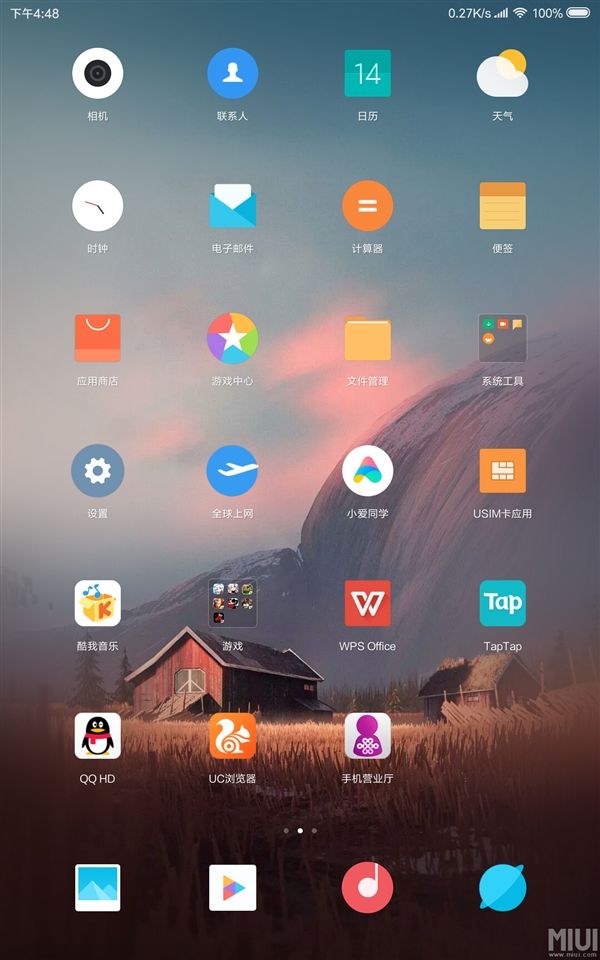
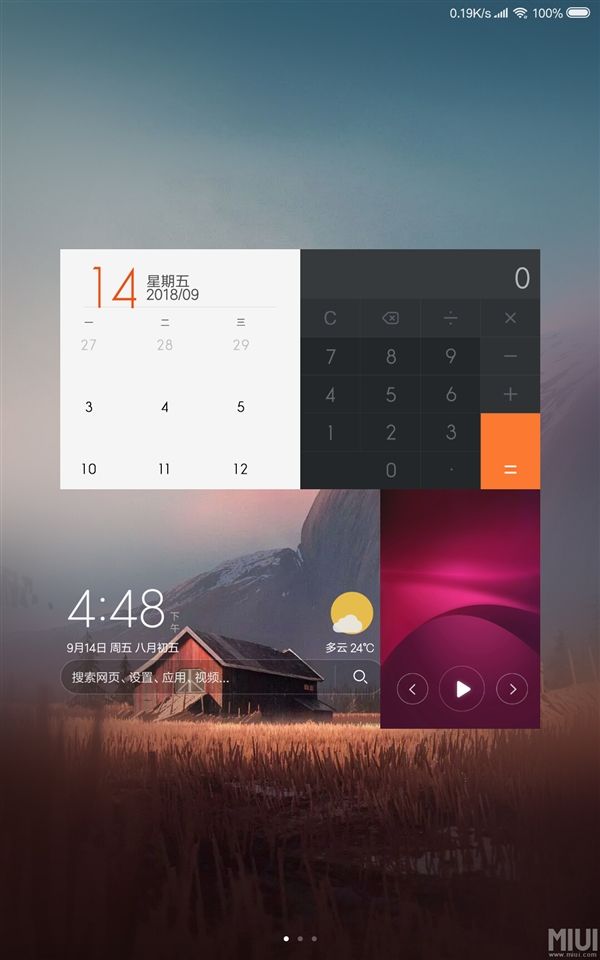
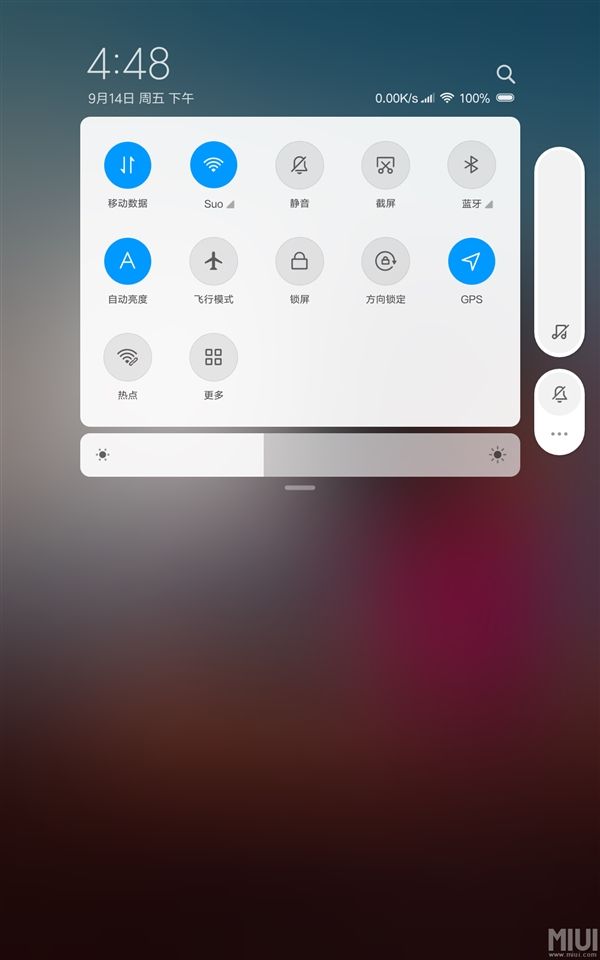
According to the official introduction, the new MIUI 10 system is based on AI deep learning. MIUI 10 prejudices Apps to be used and pre loads in the background so that when the user eventually launches the App, it takes zero seconds to boot. MIUI 10 also focuses on optimizing the operation system so that it feels smooth when sliding the screen. In addition, on MIUI 10, full-screen gestures replace the traditional virtual buttons. You can now slide back to the desktop, or slide up and hover to enter the multitasking interface.


Place comments
0 Comments
You are currently seeing only the comments you are notified about, if you want to see all comments from this post, click the button below.
Show all comments